
Easy Shifts,Better Teams
AI schedules a whole department in minutes, following your rules. Your team swaps shifts and requests leave right from their phones.
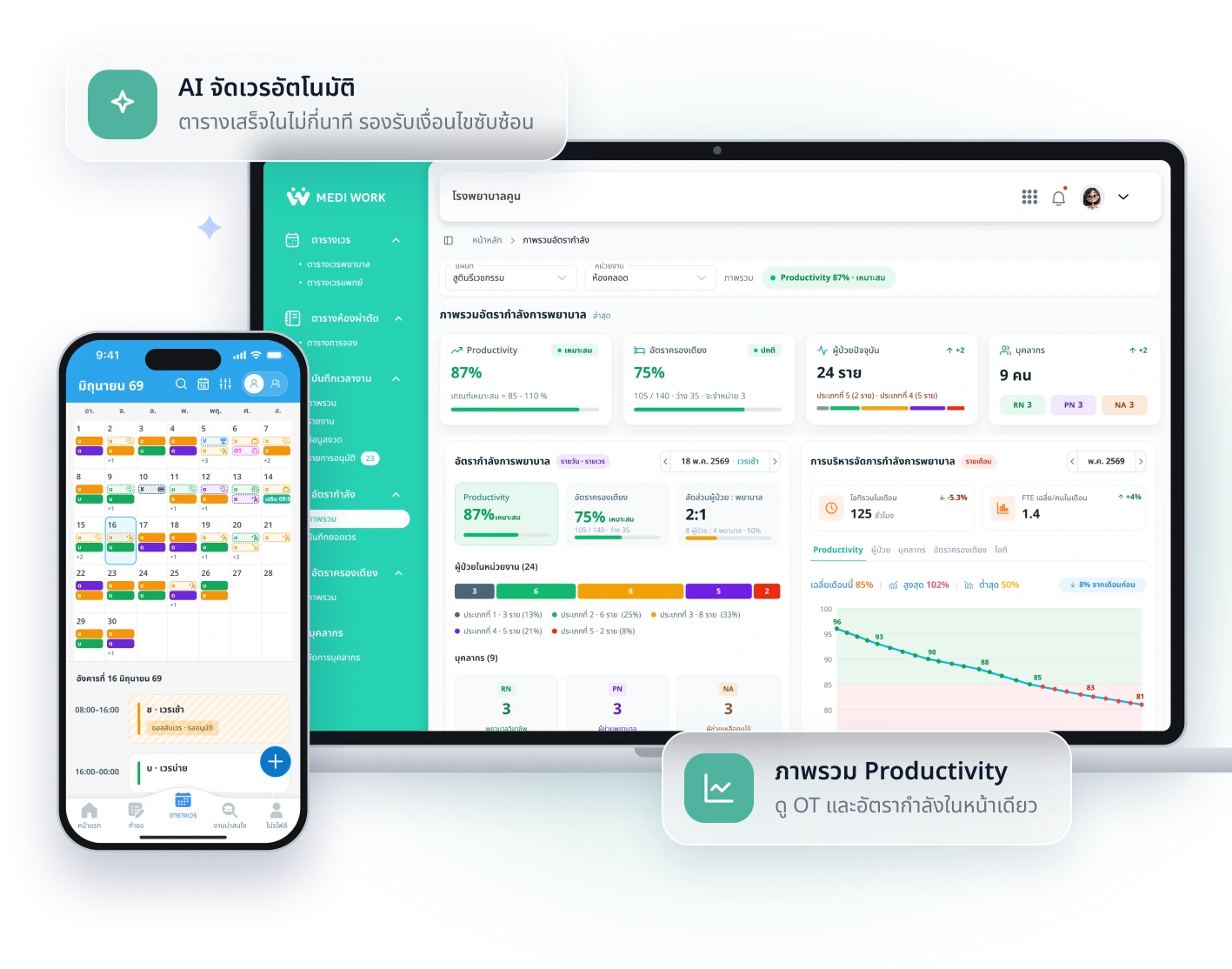
AI Auto-Scheduling
Build a whole department's schedule in minutes, no cell-by-cell work
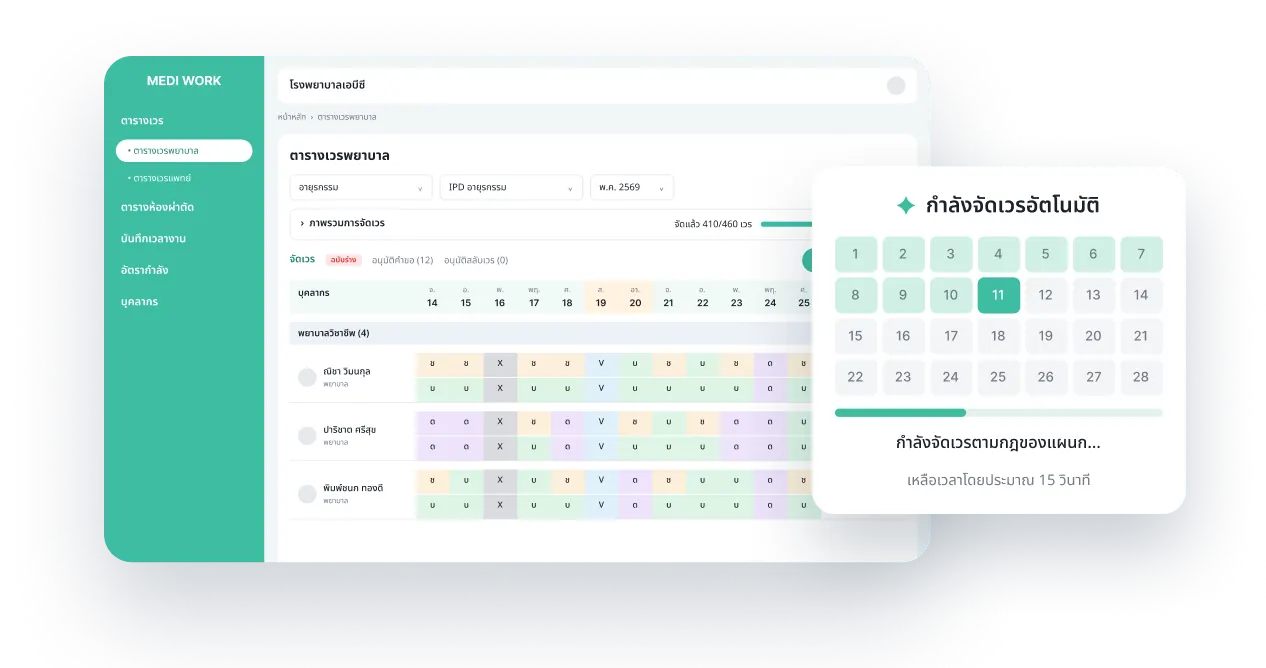

Handles Complex Rules
Set rules per department, and every shift is checked against them
Swaps and Leave on Mobile
Staff send requests in the app, heads approve them instantly
Overview Dashboard
Staffing ratios and shift counts on one screen
Accurate Shift Pay
Hours, shift pay and OT summed up automatically, with fewer errors
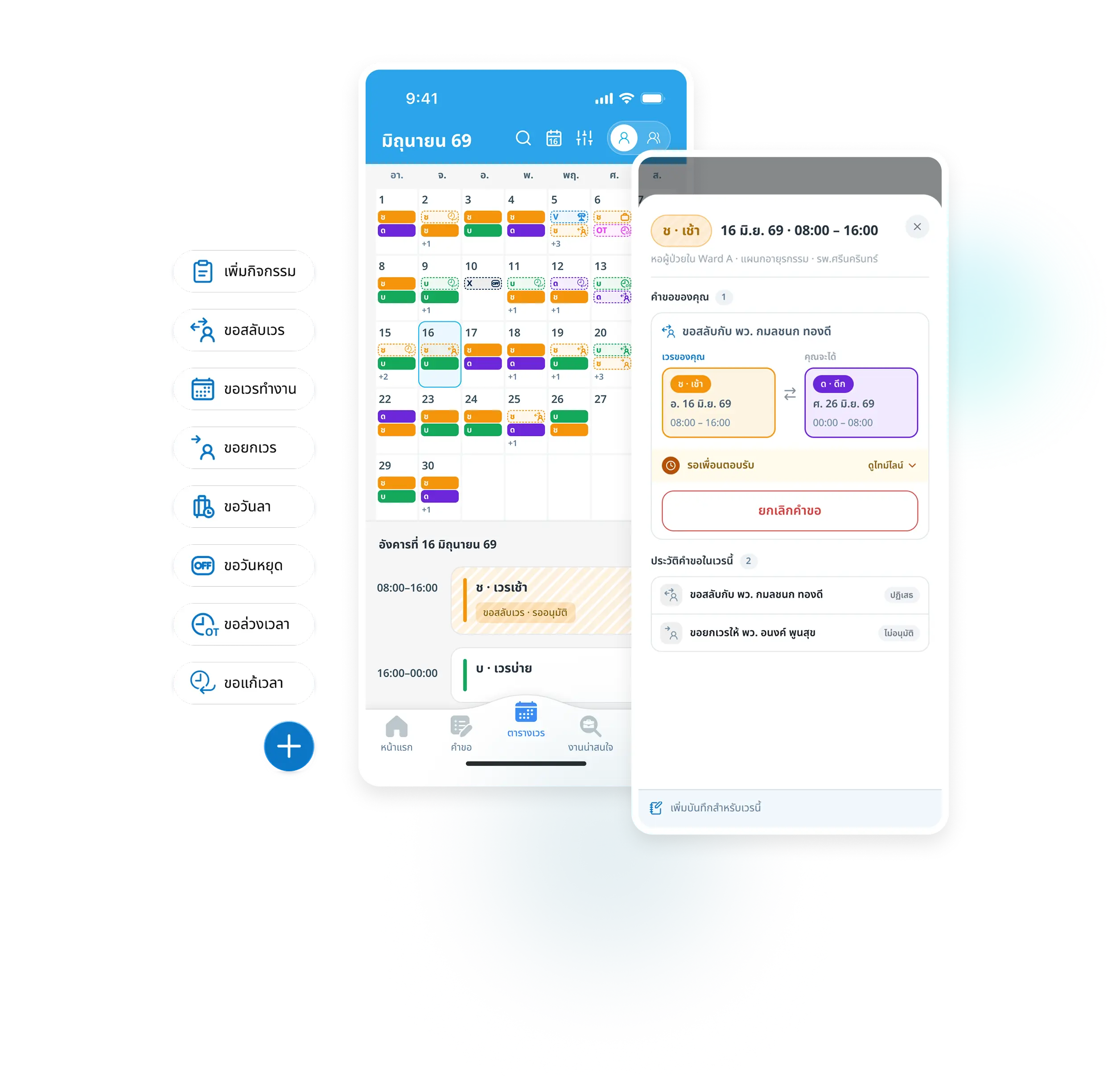
All team shift matters, in one app
Swap shifts and handle requests easily
Swap or hand over shifts with teammates in the app, and heads approve instantly
Handle urgent changes fast
Sick leave or emergencies? Adjust the schedule right away and everyone sees it
Work summaries and OT hours
See working hours, absences, leave, attendance, late arrivals and OT every month
Why schedule with Medi Work
Lower OT costs
Balanced schedules, staffing that fits the work
Less scheduling time
From hours down to minutes
Fill open shifts anytime
Hand off to Medi Match instantly
Comparison
How it differs from the usual ways to schedule
Scheduling time
Time to schedule the whole department each month
Department rules
Department-specific checks such as consecutive shifts, rest hours and required skills per shift
Fairness
Spread night shifts, days off and heavy shifts evenly
Days off / swaps
Submit, approve and keep the schedule in sync
OT and shift pay
Track OT hours and pay during the month
Sharing the schedule
How staff learn about the schedule and changes
Scroll right to see more →
“Start scheduling with Medi Work, get free credit to fill shifts on Medi Match”
Sign up for the first time and use your credit right away
Get 1,000 freecredits to find staff
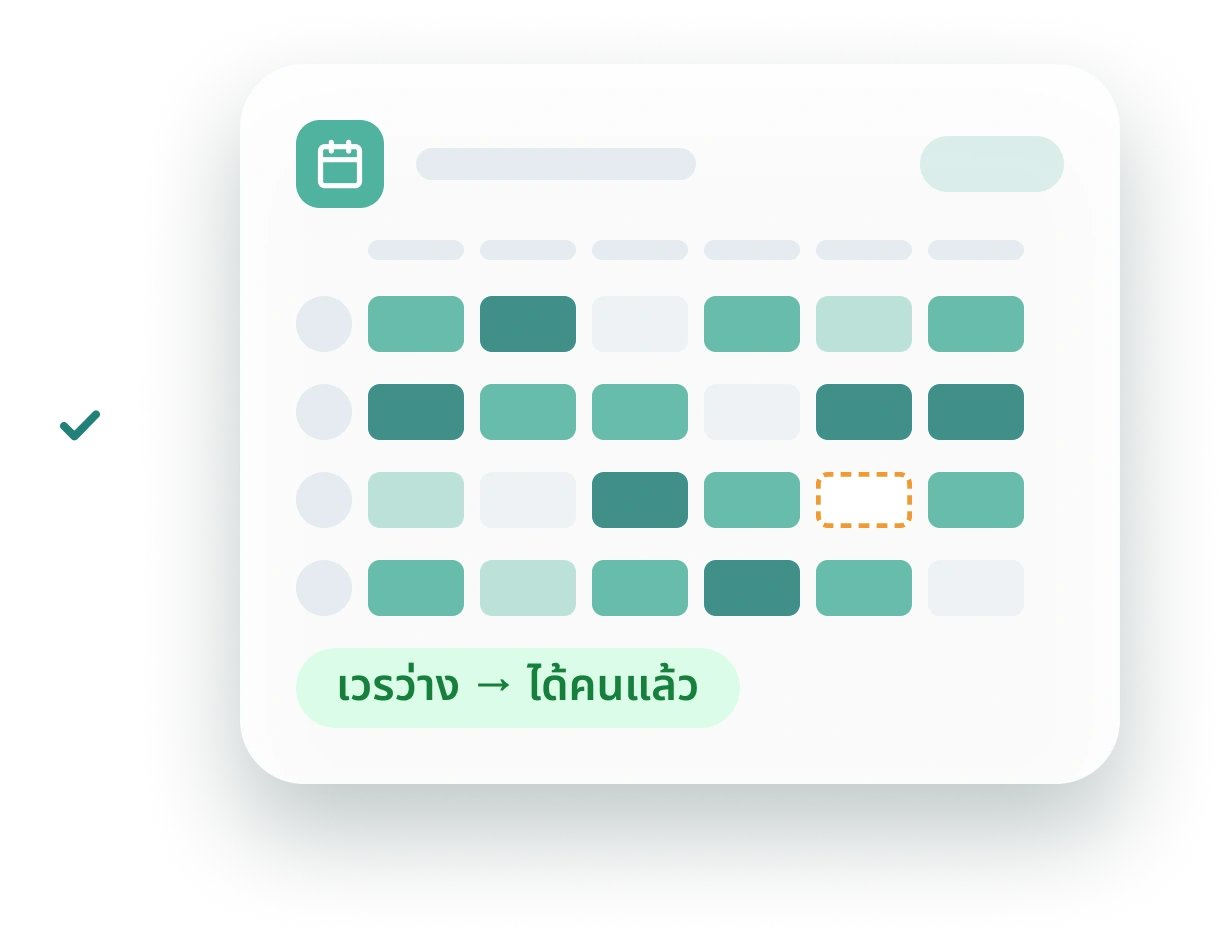
Open shift? Post it now
Send open shifts to Medi Match in one click